USPS Label Created Not Yet in System: What It Means (2026)
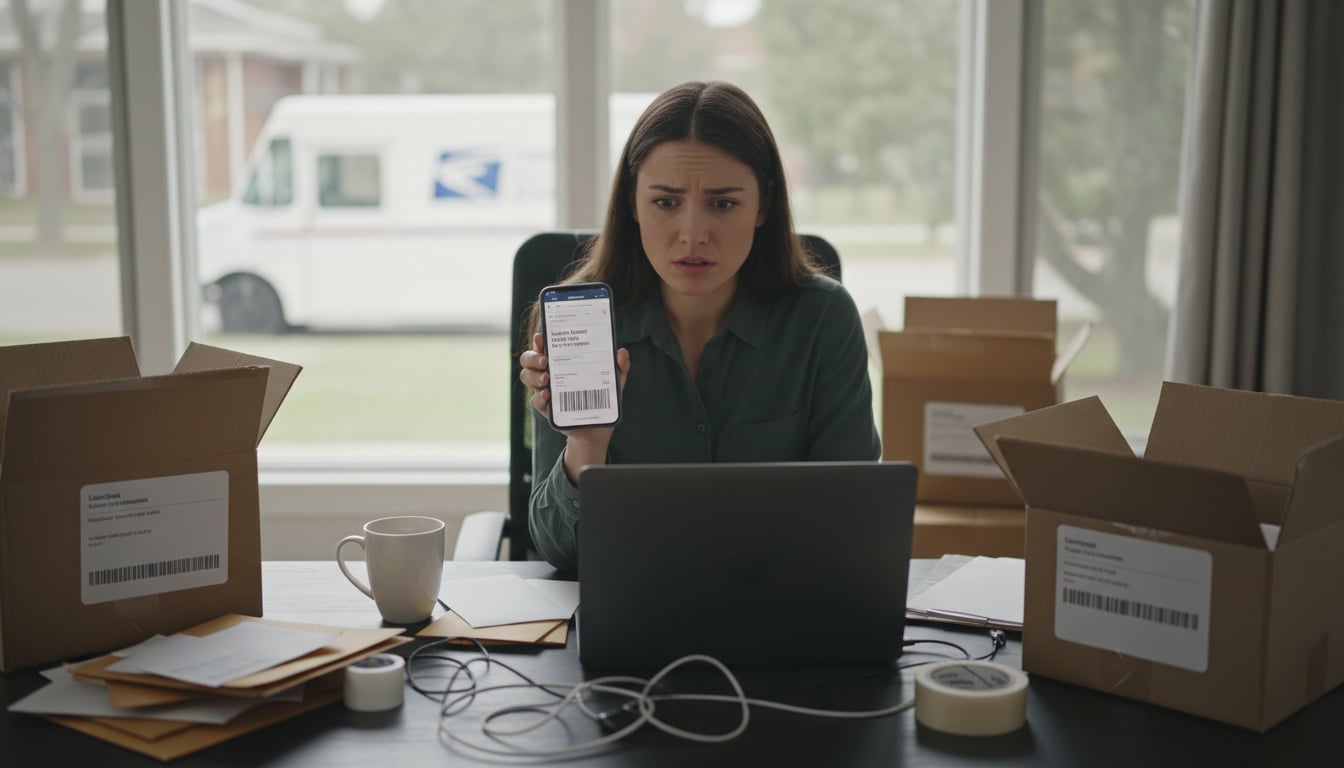
You placed an order, got a tracking number, and eagerly checked its status, only to find a confusing message: label created not yet in system. So, what does that mean? In simple terms, this status means a shipping label has been paid for and printed, but USPS has not physically received or scanned the package yet.
Relax, it’s usually not bad news. This guide will walk you through exactly what this common USPS status means, why you’re seeing it, and the exact steps to take if your package seems stuck.
What Does “Label Created Not Yet in System” Mean?
As mentioned, this status means a shipping label has been paid for and printed, but USPS has not physically received or scanned the package yet. The sender (often an online seller) has generated a tracking number, so USPS knows a package is expected, but it isn’t officially in their hands or moving through the mail system.
Think of it like getting a boarding pass for a flight. You have a reservation (the tracking number), but you haven’t boarded the plane yet (USPS doesn’t have the package).
Similar Tracking Messages You Might See
USPS and other carriers use a few different phrases that all mean the same thing. If you see any of these, don’t worry, they are all part of the same initial pre shipment phase:
- Shipping Label Created, USPS Awaiting Item
- Pre Shipment
- Pre Shipment Info Sent to USPS
- USPS Awaiting Item
All these messages indicate that the shipping process has started electronically, but the physical package’s journey has not begun.
How USPS Tracking Actually Works
USPS tracking relies on a series of barcode scans at different points. When a label is first generated, the tracking number is created. However, updates only begin after the first scan, which is often called the acceptance scan.
This first scan is critical because it officially confirms USPS has taken possession of your package. After that initial scan, you’ll see updates like “Accepted,” “In Transit,” or “Departed Facility” as your package moves from one location to the next. Without that first scan, the system has no new information to show you, so the status remains stuck at the “label created not yet in system” stage. This process is similar for other carriers like UPS and FedEx, who also require an initial origin scan to begin showing tracking progress. For a deeper look at what’s on a label and how barcodes drive scans, see Your Shipping Label: A Complete Guide.
Why Is My Package Stuck in This Status?
There are several common (and usually harmless) reasons why your tracking hasn’t updated yet.
1. The Seller Hasn’t Shipped It Yet
This is the most frequent reason. Many online sellers print a shipping label as soon as they process an order to mark it as “shipped” in their system. However, the package itself might still be on a shelf in their workshop or warehouse, waiting to be dropped off at the post office later that day or even the next.
2. It’s Awaiting Carrier Pickup
The seller may have scheduled a pickup with USPS instead of dropping the package off. (link to https://onlineshippingcalculator.com/guides/usps-pickup) The package could be ready to go, but the mail carrier hasn’t collected it yet. It’s also important to know that carriers often do not scan packages at the moment of pickup. The first scan may not happen until the package reaches the local post office or a larger sorting facility hours later.
3. USPS Missed the Initial Scan
Sometimes, the seller does everything right and drops the package off, but a busy postal worker misses the acceptance scan. This can happen during peak holiday seasons or if the package was left in a self service drop box. In this scenario, your package could actually be in transit, but the tracking system doesn’t know it yet. Often, the first update you’ll see is when it gets scanned at the next sorting facility, or in rare cases, not until it’s marked “Out for Delivery.”
4. There’s a USPS System Delay
Occasionally, the issue is a technical lag in the USPS tracking system. A package might be scanned, but the information takes a few hours to appear online. These delays usually resolve themselves quickly and don’t affect the package’s physical movement.
5. It’s a Weekend or Holiday
USPS has limited operations on Saturdays and generally does not process regular mail on Sundays or federal holidays. See the full USPS holidays. There are limited exceptions for USPS Sunday delivery, mainly Priority Mail Express and some Amazon shipments. If a label is created on a Friday evening or during a long weekend, it’s perfectly normal for the first scan not to appear until the next business day, which is usually Monday.
6. The Label Was Never Used
In rare and unfortunate cases, a label is created, but the package is never actually shipped. After a certain period, an unused shipping label will expire. If you created USPS prepaid labels but never handed over the package, they can expire after a few weeks. Here’s how USPS prepaid labels work. If weeks go by with no update, it’s possible the seller never sent the item.
Action Timeline: What to Do When Tracking Is Stuck
Patience is key at first, but you shouldn’t wait forever. Follow this timeline if your tracking shows label created not yet in system for an extended period.
Wait Patiently: Allow up to 24 hours after label creation for tracking information to be processed by the carrier’s system. There’s no need to worry or contact the seller yet.
File a Missing Mail Search: After seven (7) days from the original mailing date—if the item is lost, late, or missing—submit a USPS Missing Mail search request.
When to Contact USPS vs. The Seller
This is a critical point. If your tracking has never shown an acceptance scan, contacting USPS will not help. Their customer service agents will see the same information you do (that they haven’t received the package) and will tell you to contact the sender.
You should only contact USPS if the tracking did show the package was in their system and then stopped updating for seven days after the original date of mailing. In that case, you can file a Missing Mail search request.
Red Flags of a Potential Problem
While most delays are harmless, be aware of these warning signs that might indicate a dishonest seller:
- The seller ignores your messages or gives vague, unhelpful replies.
- They keep making excuses or changing their story about when they will ship.
- They ask you to wait longer, especially if it pushes you past the deadline for filing a buyer protection claim.
If you encounter these behaviors, don’t wait. Escalate your case through the marketplace or your payment provider to protect your money.
Frequently Asked Questions
How long is too long for a package to be stuck on “label created not yet in system”?
Does “label created” mean my package is lost?
No, it does not mean your package is lost. It simply means USPS has not scanned it into their system yet. The package is almost certainly still with the sender.
Can a package be moving even if tracking doesn’t update?
Yes, it’s uncommon but possible. If the initial scan was missed, a package can travel through the USPS network without any tracking updates and then suddenly be marked as “Delivered.” However, you shouldn’t count on this happening.
Is “Pre-Shipment” the same as “Label Created”?
Yes, “Pre Shipment” is another status that means the exact same thing: a label has been generated, but USPS is still awaiting the item.
Does this happen with UPS or FedEx too?
Yes, both UPS and FedEx have a similar initial status. For UPS, it’s “Label Created,” and for FedEx, it might also show as “Label Created.” With all carriers, the tracking will not show progress until the package receives its first physical scan at an origin facility. If you’re choosing between carriers, compare costs and pros/cons in FedEx vs UPS: Which is Best?
Before creating a label, it’s always smart to know you’re getting the best deal. Shippers can use a free tool like the Online Shipping Calculator to compare rates from USPS, UPS, and FedEx side by side and check current shipping discounts, ensuring you choose the most cost-effective option for your package.