How to Put a Hold on US Mail: 2026 Step-by-Step Guide
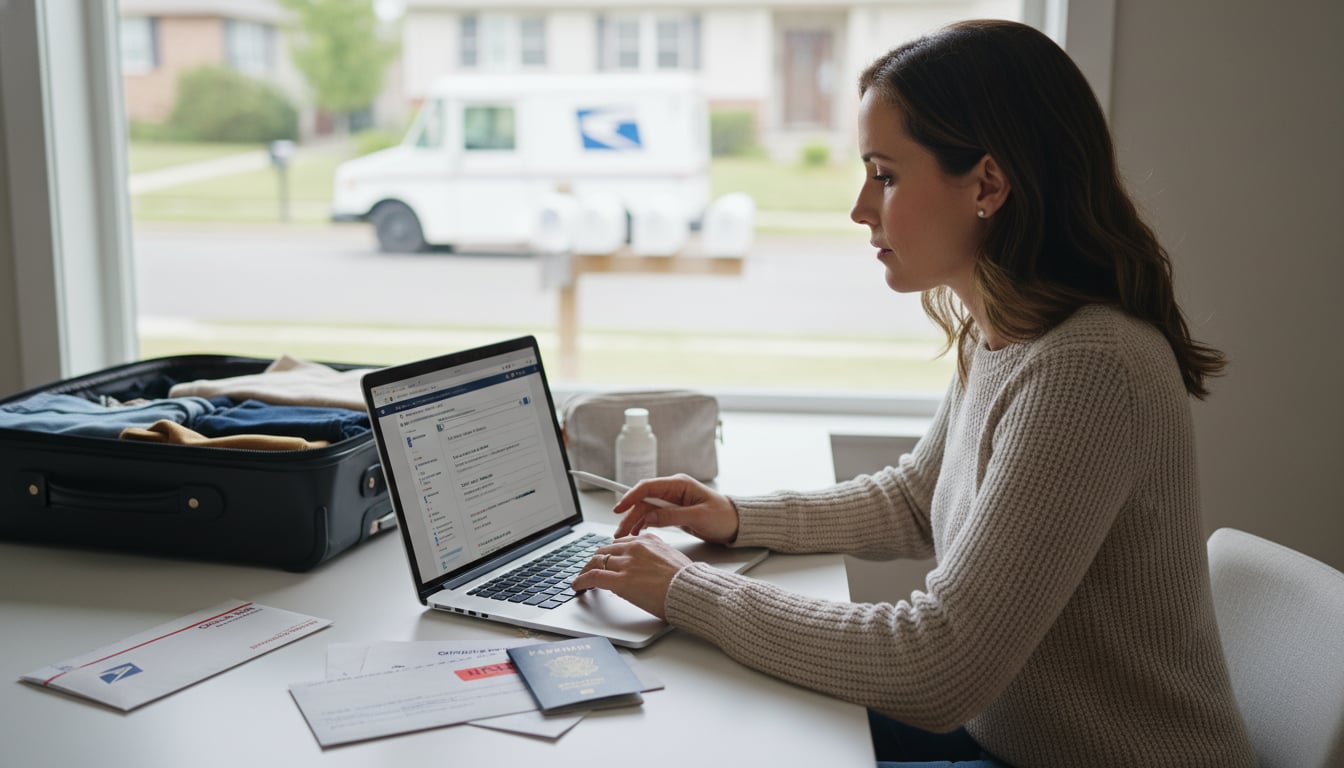
Going on vacation or a business trip? The last thing you want to worry about is a pile of letters and packages overflowing from your mailbox, signaling to everyone that you’re not home. Thankfully, there’s a simple, free solution: you can place a hold on US mail. This guide will walk you through everything you need to know about the USPS Hold Mail service, from making the request to getting your mail when you return.
What is the USPS Hold Mail Service?
USPS Hold Mail is a complimentary service that lets you temporarily stop mail delivery to your address. Instead of leaving letters and packages in your mailbox, the Postal Service will securely keep all your incoming mail at your local post office. This prevents mail from piling up, which is a key way to protect yourself from mail theft and keep your home from looking unoccupied (see our guide to preventing porch pirates).
The service is straightforward: one hold request covers every person at a single address. It’s an easy and effective security measure that provides peace of mind for travelers and small business owners alike.
Who is Eligible for a Mail Hold?
You can request a hold on US mail for most residential and business addresses that receive regular USPS delivery. The key requirement is that you must reside at the address you’re placing the hold on; you cannot request it for a place you don’t live or for someone else’s home.
When you submit a request, USPS will first verify that your address is eligible in their system. While most addresses qualify, some may require an in person request at the post office if the online system can’t validate them. It’s also worth noting that P.O. Boxes do not need a formal hold request, since mail is already held securely at the post office until you retrieve it. If you’re considering one for added security, here’s how to get a P.O. Box.
How Long Can You Put a Hold on US Mail?
The duration for a USPS Hold Mail request is quite specific. You can place a hold on US mail for a minimum of 3 days and a maximum of 30 consecutive days. This range is based on calendar days, not just business days, so weekends and holidays are included in the count.
If your trip is longer than 30 days, USPS suggests using their mail forwarding service instead. You also cannot place back to back holds. At least three days must pass after one hold ends before you can start another one for the same address.
How to Request a Hold on US Mail
You have three convenient options for setting up your mail hold.
1. Request a Hold Online
The fastest and most popular method is requesting a hold online through the official USPS website. You’ll need a free USPS.com account to get started.
- Visit the Hold Mail Page: Navigate to the Hold Mail service page on USPS.com.
- Verify Your Identity: For security, USPS requires identity verification for online requests to prevent fraud. This may involve answering a few questions or having a verification code mailed to your address, which can take 3 to 5 business days to arrive. If you can’t verify online, you’ll need to make the request in person.
- Enter Your Dates: Select the start and end dates for your hold. You can schedule a hold up to 30 days in advance.
Once submitted, you will receive an email with a confirmation number. Be sure to save this number, as you’ll need it to make any changes or cancel your request.
2. Request a Hold by Phone
If you prefer not to use the website, you can set up a hold on US mail by calling USPS customer service at 1 800 ASK USPS (1 800 275 8777). A representative will take your information, including your name, address, and desired hold dates, and submit the request for you.
Be sure to call during business hours, call by your local Post Office’s or the Customer Care Center’s close of business so the request is completed by the next delivery schedule, to ensure it’s processed in time. Just like the online method, ask the agent for a confirmation number and provide an email address to receive it.
3. Request a Hold In Person
You can always visit your local post office to request a hold in person. This is the best option if your address isn’t eligible for online requests or if you’re having trouble with the identity verification process.
At the post office, you’ll need to fill out PS Form 8076, Authorization to Hold Mail. You can even print and complete the form at home to save time. Be sure to bring a photo ID for verification. A key difference with this method is that you will not receive a confirmation number; your copy of the form serves as your receipt. If you need to make changes later, you’ll have to do so in person.
Managing Your Mail Hold
Once your request is submitted, here are a few key things to keep in mind.
Selecting Your Start and End Dates
Your start date is the first day mail will be held, and the end date is the last. It’s best to set the start date for the day you leave, as this will prevent that day’s mail from being delivered after you’re already gone. You can schedule a hold up to 30 days in advance but no later than the next scheduled delivery day (with some same day exceptions). If your dates overlap with a federal holiday, check the USPS holidays calendar.
The Same Day Start Cutoff Time
For those last minute trips, USPS offers a same day start option for online requests, but there’s a strict deadline. You must submit your online request before 2:00 AM Central Time (3:00 AM Eastern, 12:00 AM Pacific) for the hold to begin on that same postal business day. If you submit it after 2:00 AM CT, the hold won’t take effect until the next business day.
Modifying or Canceling Your Request
Plans can change. If you need to edit or cancel your hold, your confirmation number is essential.
- With a Confirmation Number: You can use the link in your confirmation email or call USPS customer service to modify the dates or cancel the hold entirely.
- Without a Confirmation Number: If you made the request in person, you cannot change or cancel it online or by phone. You must visit the post office with a photo ID to make adjustments.
Getting Your Mail When You Return
When your trip is over, you have two choices for retrieving your accumulated mail.
1. Post Office Pickup
You can go directly to your local post office to pick up your mail on or after the hold’s end date. Remember to bring a valid photo ID for verification. This is a great option if you’re expecting a large volume of mail or several packages. Be aware that if you pick up your mail before the scheduled end date, the hold is considered canceled, and regular delivery will resume the next business day.
2. Carrier Delivery
Alternatively, you can have your regular mail carrier deliver all the accumulated mail to your address on the hold’s end date. If there’s more mail than will fit in your mailbox, the carrier will leave what they can and take the rest back to the post office. They will leave a notice (PS Form 3849) for you to pick up the remaining items.
Regardless of your choice, you have a 10 day grace period after the hold ends to claim your mail. After 10 days, any unclaimed items may be returned to the sender.
When Does Regular Delivery Resume?
Regular mail delivery starts again on the first postal business day after your hold period officially ends or after you pick up your mail early. For example, if your hold ends on a Friday, normal delivery will resume on Saturday; if you’re wondering about Sundays, see our USPS Sunday delivery explainer. If you have any issues with your mail not restarting, it’s best to contact your local post office directly.
Other Important Considerations
Does a Hold on US Mail Cover All Items?
A hold on US mail request is designed to stop all items delivered by USPS, including both letters and packages. However, some very large packages or items that require a signature may be handled slightly differently. Instead of being delivered to an empty house, they will be held securely at the post office, and you will likely receive a notice to pick them up upon your return.
What About Non USPS Deliveries?
This is a critical point: a USPS hold only affects mail and packages delivered by the U.S. Postal Service. It does not stop deliveries from other carriers like UPS, FedEx, DHL, or Amazon. Those companies will still attempt to deliver packages to your doorstep. For complete peace of mind, you’ll need to set up a separate vacation hold with each carrier, which you can typically do through their respective websites or apps like UPS My Choice and FedEx Delivery Manager. If you’re coordinating a return while you’re away, you can create a prepaid return label for the sender.
Before you travel, it’s also a good idea to manage any outgoing shipments. If you need to send a package, you can easily compare shipping rates to find the most affordable option and schedule a pickup before you leave.
How a Change of Address Affects a Mail Hold
You cannot have a Hold Mail request and a Change of Address (COA) or mail forwarding order active for the same address at the same time. If you submit a COA after a hold is in place, the forwarding order will override the hold, and your mail will be sent to your new address. In short, use a hold on US mail for short term trips and a COA for moves or absences longer than 30 days.
Hold Mail vs. Forwarding vs. Premium Forwarding
It’s easy to confuse these services, but they serve different needs:
- Hold Mail: A free service that temporarily pauses delivery for 3 to 30 days. Your mail is held at the post office until you return.
- Mail Forwarding (COA): A free service (with a small online identity verification fee) used when you move permanently or temporarily for a longer period (up to one year). Your mail is rerouted from your old address to your new one.
- Premium Forwarding Service: A paid service where USPS bundles all your mail and ships it to you weekly via Priority Mail. This is ideal for extended absences when you still want to receive all your mail, including marketing mail and magazines, at a temporary location.
For a deeper dive into which service is right for you, many shipping guides can help you decide. For instance, resources from Online Shipping Calculator often break down postal services to help consumers make smart choices.
Pro Tip: Sign Up for Informed Delivery
Informed Delivery is another free USPS service that’s a perfect companion to a mail hold. Once enrolled, you’ll receive a daily email with scanned images of the front of your letter sized mail scheduled to arrive that day. You can also track incoming packages from your dashboard.
This is incredibly useful when your mail is on hold, as you can still see what’s arriving at the post office and waiting for you. To enroll, simply create an account on USPS.com and verify your identity.
Best Practices for a Smooth Mail Hold
- Plan Ahead: Submit your request at least a few days in advance to ensure it’s processed smoothly.
- Save Your Confirmation Number: This is your key to making any changes to your hold request.
- Bring Your ID: If you choose to pick up your mail, don’t forget a valid photo ID.
- Check Your Mailbox: Clear out your mailbox the day before your hold begins.
- Pick Up Promptly: Retrieve your mail within 10 days of the hold’s end date to prevent it from being returned to senders.
- Handle Other Deliveries: Remember to pause any non USPS deliveries from carriers like UPS and FedEx.
By following these simple steps, you can use the hold on US mail service to keep your deliveries safe and enjoy your time away without any worries.
Frequently Asked Questions
How much does it cost to put a hold on US mail?
The USPS Hold Mail service is completely free.
What’s the shortest and longest time I can hold my mail?
The minimum duration is three consecutive days, and the maximum is 30 consecutive days.
Does a USPS hold stop packages from Amazon, UPS, or FedEx?
No. A hold on US mail only applies to items delivered by the United States Postal Service. You must contact other carriers individually to arrange vacation holds for their deliveries.
What happens if I forget to pick up my held mail?
USPS will hold your mail for 10 days after the end date. After that, it may be returned to the sender.
Can I put a hold on US mail for just one day?
No, the minimum hold period is three days.
How do I cancel a hold on US mail request?
If you have your confirmation number, you can cancel it online or by phone. If you requested the hold in person and don’t have a confirmation number, you must visit the post office to cancel it.